


Toddler Games for 2-3 Year Old
3.6337.00 Reviews
App Specs
- Version
- 4.4.4
- Updated On
- License
- Free
- Downloads
- 10,000,000+
- Developer
- IDZ Digital Private Limited
- Categories
- Educational
- Platform
- Android
Screenshots
 Analysis by AppCompare
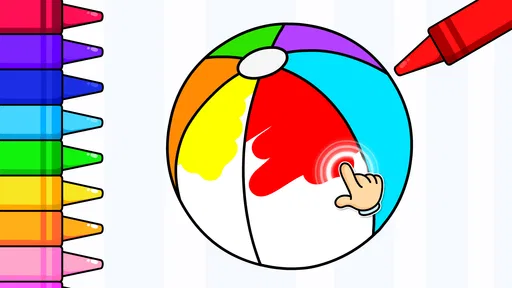
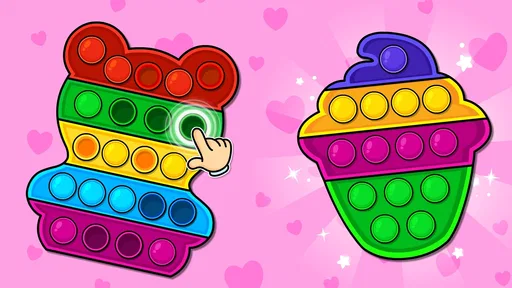
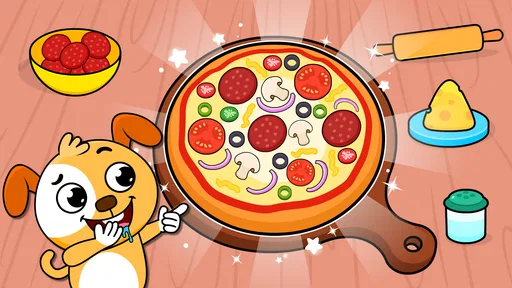
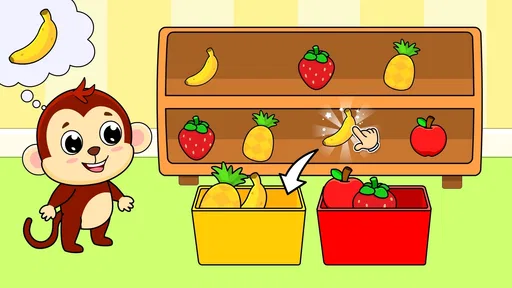
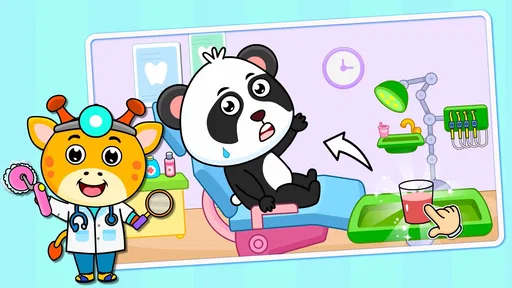
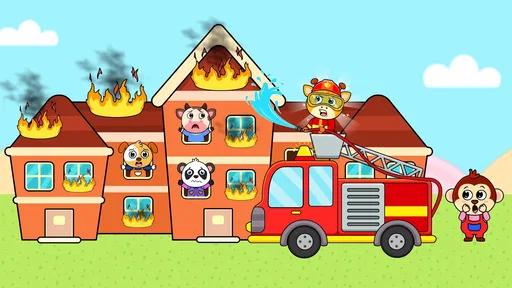
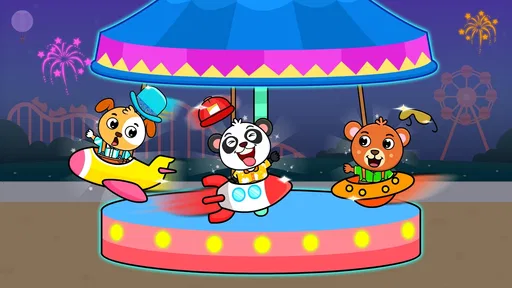
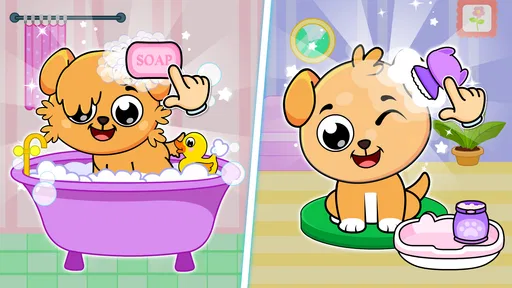
When I need a brief, hands-on activity for a toddler, I look for something a child can explore without turning the phone into an endless stream of videos. Toddler Games for 2-3 Year Old is an educational game from IDZ Digital Private Limited, built around short activities for very young children. Its appeal is the variety: instead of relying on one puzzle or lesson, it offers a large collection of mini-games that can make a few spare minutes feel more playful. I see it as a handy option for supervised use, not a replacement for books, toys, conversation, or time away from screens.
What is Toddler Games for 2-3 Year Old?
So, what exactly is this app all about? Toddler Games for 2-3 Year Old is designed specifically for toddlers, aiming to blend fun with learning in a seamless way. The app features a delightful collection of mini-games that cater to the developmental stages of young kids. It's like having a pocket full of interactive toys and puzzles, right there on your phone.
Short activities, with a parent nearby
The game is free to download, with optional in-app purchases listed from $9.99 to $59.99 per item. That makes the first decision straightforward: a parent can consider the free version before deciding whether any paid content is worthwhile. I would check what is included and what a purchase unlocks on the device before handing it to a child. Toddlers can tap quickly and without understanding a purchase screen, so I recommend setting up purchase protections and keeping the phone in an adult’s hands when navigating account or payment prompts.
It is rated for Everyone and is aimed at children around two to four years old, though that age range is a starting point rather than a guarantee that every activity will suit every child. A two-year-old who is still learning to tap accurately may need an adult to guide the screen, while an older preschooler may prefer to try activities independently. I would treat each game as an invitation to talk, name objects, and take turns—not as a test of what a child should already know.
Engaging and Educational Content
The beauty of this app lies in its clever combination of entertainment and education. From colorful puzzles to adorable animal sounds, every game is crafted to capture the attention of your little one. The app includes activities that help toddlers learn shapes, colors, and even numbers. It's amazing how much they can absorb while having a blast!
What really sets this app apart is its intuitive design. The developers have clearly put a lot of thought into making the interface toddler-friendly. Big buttons, vibrant colors, and simple navigation ensure that even the smallest fingers can explore without frustration. It's all about making learning fun and accessible.
One useful way to get more from that mix is to stay beside the child and connect a screen action to something nearby: if a game involves a color, ask them to find the same color on a cup or toy; if it uses an animal sound, invite them to copy it. That turns a tap into a small conversation instead of passive watching. I would also let the child choose between a couple of activities rather than scrolling through a large collection on their behalf. Too much choice can be tiring at this age, and a simple “which one next?” gives the session a natural stopping point.
Worth Reading Before You Choose

EA SPORTS FC Mobile 26 Is a Bigger Football Game, but It Takes Time

Flipboard Shows What News Apps Must Do Beyond the Feed

Switching to Android Auto Means Rethinking Your Driving Routine

Google Calendar Makes a Crowded Week Easier to Manage

Ludo King Makes the Most of the Minutes Between Plans

Baby Panda World Brings Quick Play to Modern Phones, but Its Game Library Feels Busy
A Parent's Perspective
Now, as a parent, I'm always a bit wary of screen time, but I have to admit, this app provides a nice balance. It's like giving your child a healthy snack instead of candy. The games are short enough to hold their attention without overwhelming them, and the educational aspect eases any guilt about handing over the phone for a few minutes.
One of the standout features for me is the absence of ads. I cannot stress enough how much of a relief it is to not have to worry about accidental clicks leading to inappropriate content. The developers have created a safe environment for our toddlers to explore, and that gives me peace of mind.
Keeping play low-pressure
There is no need to turn the game into a lesson plan or keep a toddler playing until they finish something. At this age, attention often shifts quickly, and a child may want to repeat one activity while ignoring several others. I would follow that interest for a little while, then put the device away when the child loses focus. A useful boundary is to decide before opening the game whether this is a short wait-time distraction or a shared play break. That makes it easier to stop without making the app the default answer to every restless moment.
For a realistic example, imagine waiting for an appointment when toys are impractical and a toddler is getting restless. I would open one activity, sit close enough to help with a tricky tap, and use the game as a prompt to talk about what appears on screen. When the wait ends, I would close it rather than letting the child move into an unplanned stretch of play. That routine makes the app useful in a specific pinch without expecting it to manage the whole outing.
The collection size can be a strength, but it also creates a small practical challenge: a toddler may not know what to choose, and an adult may spend more time browsing than playing. My tip is to explore first without the child, find a few activities that seem suitable, and then offer those as a limited choice. This is not about claiming the game has a particular favourites system; it is simply a way to make a broad set of mini-games easier to use with a young child.
Flexibility and Accessibility
The app is available on both Android and iOS, making it accessible whether you're an Apple aficionado or an Android enthusiast. It's also fairly lightweight, so it won't hog much space on your device. Plus, the download and installation process is straightforward, which is always a bonus when you're juggling a million things at once.
Another great aspect is that the app can be used offline. This is a lifesaver during those long car rides or waiting room marathons when Wi-Fi isn't an option. Just hand over your phone, and watch as your toddler dives into a world of playful learning.
Offline access is especially handy when you want to prepare before leaving home: I would open the game while connected and check that it is ready for the kind of brief session I have in mind. On a journey, though, I would still treat it as a backup rather than the whole plan. A screen can help during a difficult stretch, but a small toy, a snack, or a simple conversation may work better when a child needs movement or comfort rather than another visual activity.
How it compares with other toddler activities
Compared with a single-purpose counting or shape-learning app, this game’s broad collection gives a parent more kinds of activities to try without switching between several apps. That can be convenient when a child gets bored of one format. The trade-off is that a focused app may be easier to understand and repeat if your goal is practising one particular skill. Compared with physical puzzles and picture books, the phone offers quick feedback and portability, but it cannot provide the same tactile experience or shared page-turning routine. I would choose based on the moment: this game for a compact, varied screen activity; a physical toy or book when I want hands-on play or a calmer break.
It is also worth being realistic about what “educational” means here. Recognizing a color or hearing an animal sound in a game can support conversation, but it does not show that a toddler has mastered a skill. I would avoid using the app to measure progress or compare one child with another. The best sign that an activity is useful may simply be that the child is curious, engaged, and happy to talk about what they are seeing.
What to know before spending
The average rating is 3.6 from around 30,000 ratings, while the game has passed 10 million installs. Those figures suggest that many families have tried it, but they do not tell me whether a particular child will enjoy the activities or whether the free portion will be enough for a household. The game first appeared in April 2018, and its current version is 4.4.4; it requires Android 6.0 or later. I would check compatibility on the device and explore the available content before considering an in-app purchase.
Spending is the clearest point to approach deliberately. The listed in-app purchases range from $9.99 to $59.99 per item, so “free” describes the download, not necessarily every piece of content a family may encounter. I would review the purchase choices with an adult account, confirm what a selected item includes, and avoid letting a toddler browse payment screens. I cannot infer from the price range how much content is included in each option, so I would base any decision on the actual purchase details shown in the app.
Parents may also wonder whether the game will work for a child who is not yet comfortable using a touchscreen. I would expect to sit alongside a younger toddler at first and see whether the controls are manageable, rather than assuming the age label means independent play. If a child gets frustrated by tapping, needs more physical movement, or is easily drawn into prolonged screen use, I would choose a toy, a book, or a shared activity instead. The age rating is Everyone, but a parent’s judgement about their own child still matters.
Some practical details are best checked on the device before relying on the game in a particular setting, especially the exact purchase prompts and which activities are available without paying. I would also test offline use before travelling rather than discovering an issue in the middle of a journey. These are simple checks, but they help avoid turning a small convenience into a last-minute source of frustration.
Wrapping It Up
In a world where finding quality educational content for toddlers can be a challenge, Toddler Games for 2-3 Year Old stands out as a fantastic option. It marries fun with learning, creating a vibrant playground for young minds. Whether you're looking to occupy your child for a few minutes or want to supplement their learning journey, this app is definitely worth checking out.
So, if you're ready to see your toddler light up with joy while learning something new, give Toddler Games for 2-3 Year Old a try. It's like having a virtual playdate designed to nurture and entertain. Happy parenting, and enjoy the precious moments of seeing your child grow and learn!
My trust verdict is positive but measured: this is a practical, varied option for occasional, adult-guided play, especially when portability and offline access matter. I would not treat it as a childcare solution, a developmental assessment, or a reason to make a purchase before seeing what the child actually enjoys. IDZ Digital Private Limited has made a game aimed at early learners, and the combination of a free download with optional paid items gives families a way to approach it cautiously. For me, it earns a place as one tool in a wider mix of play—not the whole toy box.
Pros
- Engaging and colorful graphics.
- Simple interface for young kids.
- Educational mini-games included.
- No in-app purchases required.
- Supports offline play.
Cons
- Limited content variety.
- Can be repetitive over time.
- Some ads may be distracting.
- Requires frequent updates.
- Sound effects can be loud.
FAQs for Toddler Games for 2-3 Year Old
What types of games are included in Toddler Games for 2-3 Year Old?
Toddler Games for 2-3 Year Old includes a variety of educational and entertaining games designed specifically for young children. These games focus on basic skills like shapes, colors, numbers, and simple puzzles, all crafted to engage toddlers and enhance their cognitive and motor skills in a fun way.
Is Toddler Games for 2-3 Year Old safe for my child to use?
Yes, Toddler Games for 2-3 Year Old is designed with child safety in mind. The app contains no third-party ads, ensuring a distraction-free experience. Additionally, all content is age-appropriate, and there are parental controls available to manage in-app settings and prevent unintended purchases.
Does the app require an internet connection to play?
Toddler Games for 2-3 Year Old can be played offline, making it convenient for travel or situations where internet access is limited. However, an internet connection might be necessary for downloading updates or additional content, which can enhance the app's offerings.
Are there any in-app purchases or subscriptions?
The app may offer in-app purchases to unlock additional features or content. However, these are optional and the core games are fully playable without any purchases. It's advisable to set up parental controls to prevent accidental purchases by your toddler.
How does the app support child development?
Toddler Games for 2-3 Year Old is designed to support early childhood development by fostering critical skills like problem-solving, hand-eye coordination, and memory. Through interactive and engaging activities, children can learn foundational concepts in a playful environment, promoting both learning and enjoyment.


